RepsDaily keeps the habit loop tight: choose a target, log your reps, see your streak, and come back tomorrow.
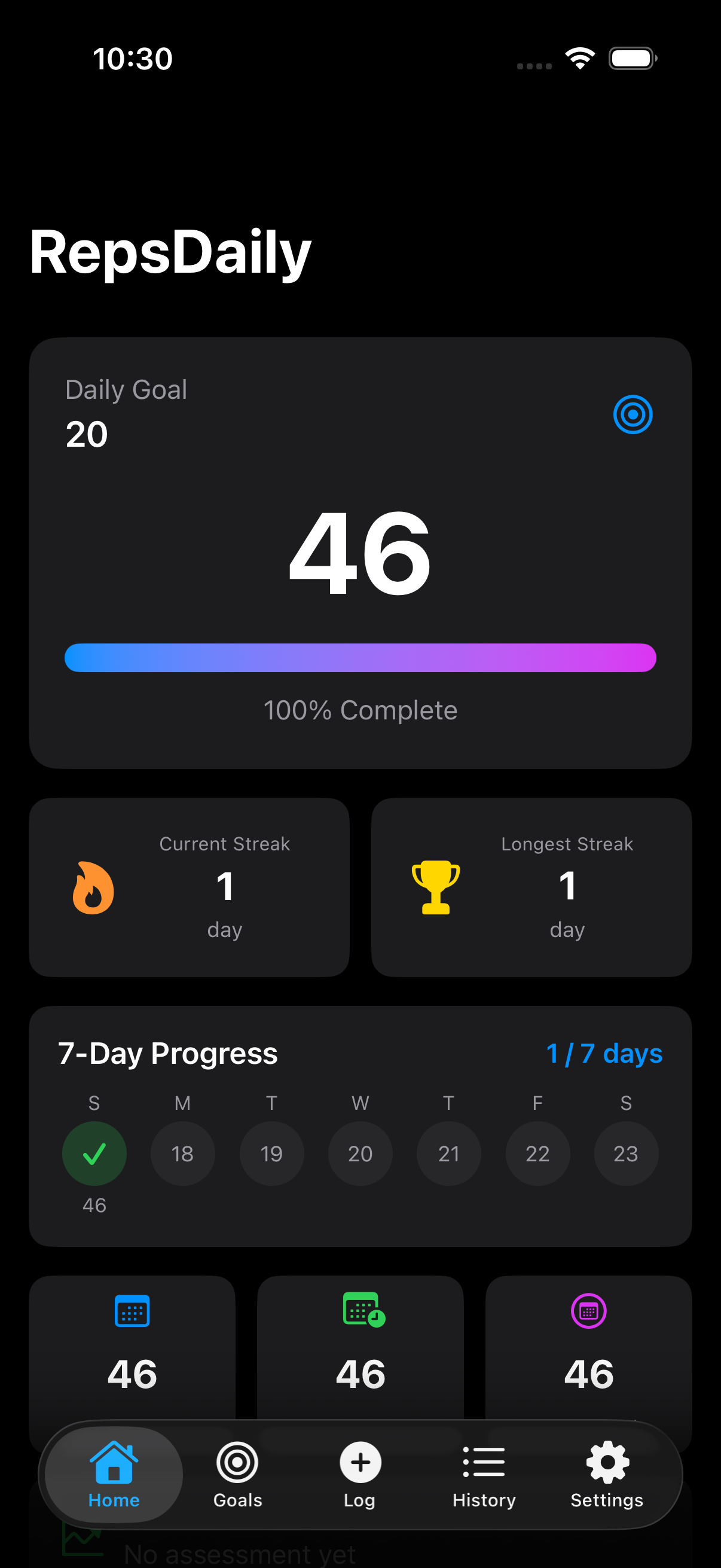
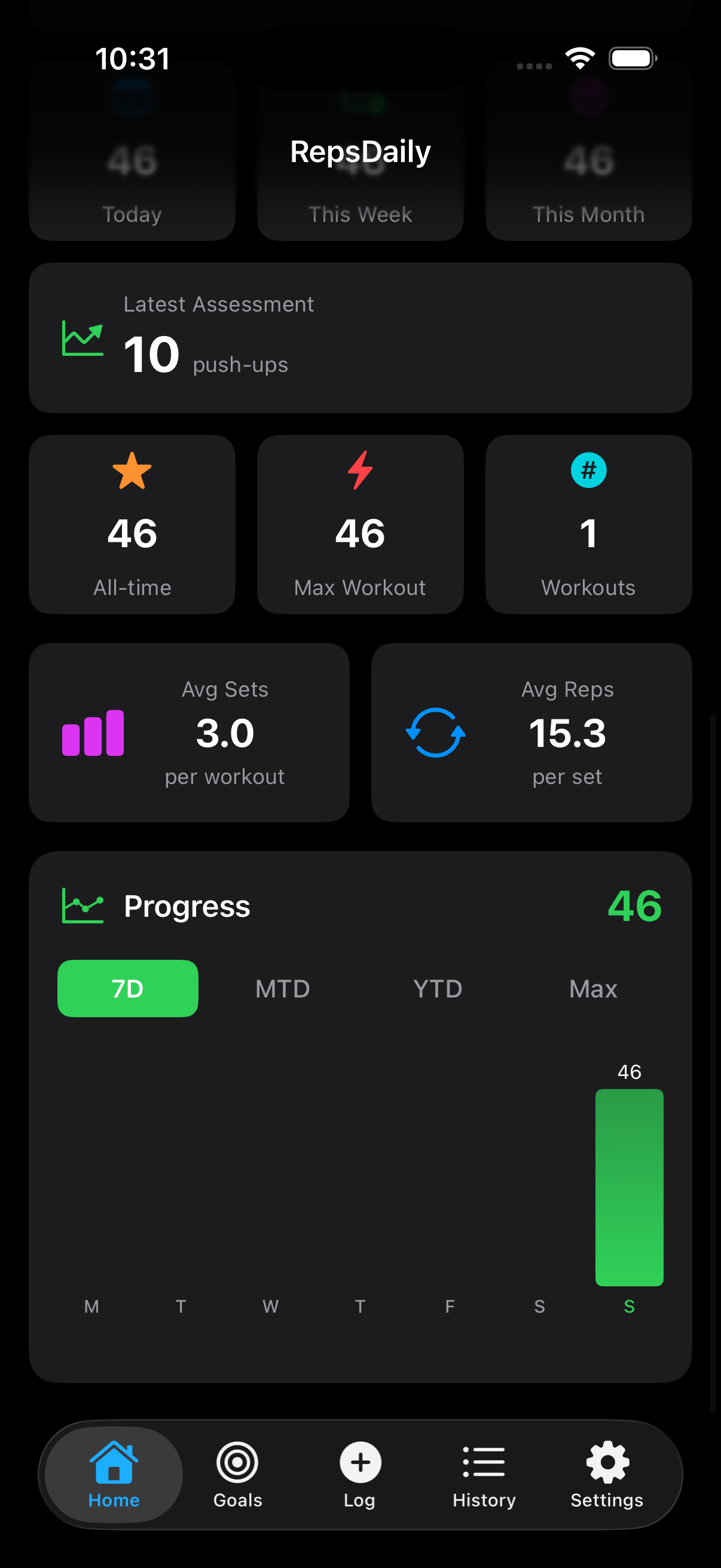
Your home screen shows the goal, completed reps, progress bar, current streak, longest streak, and weekly progress in one clean view.

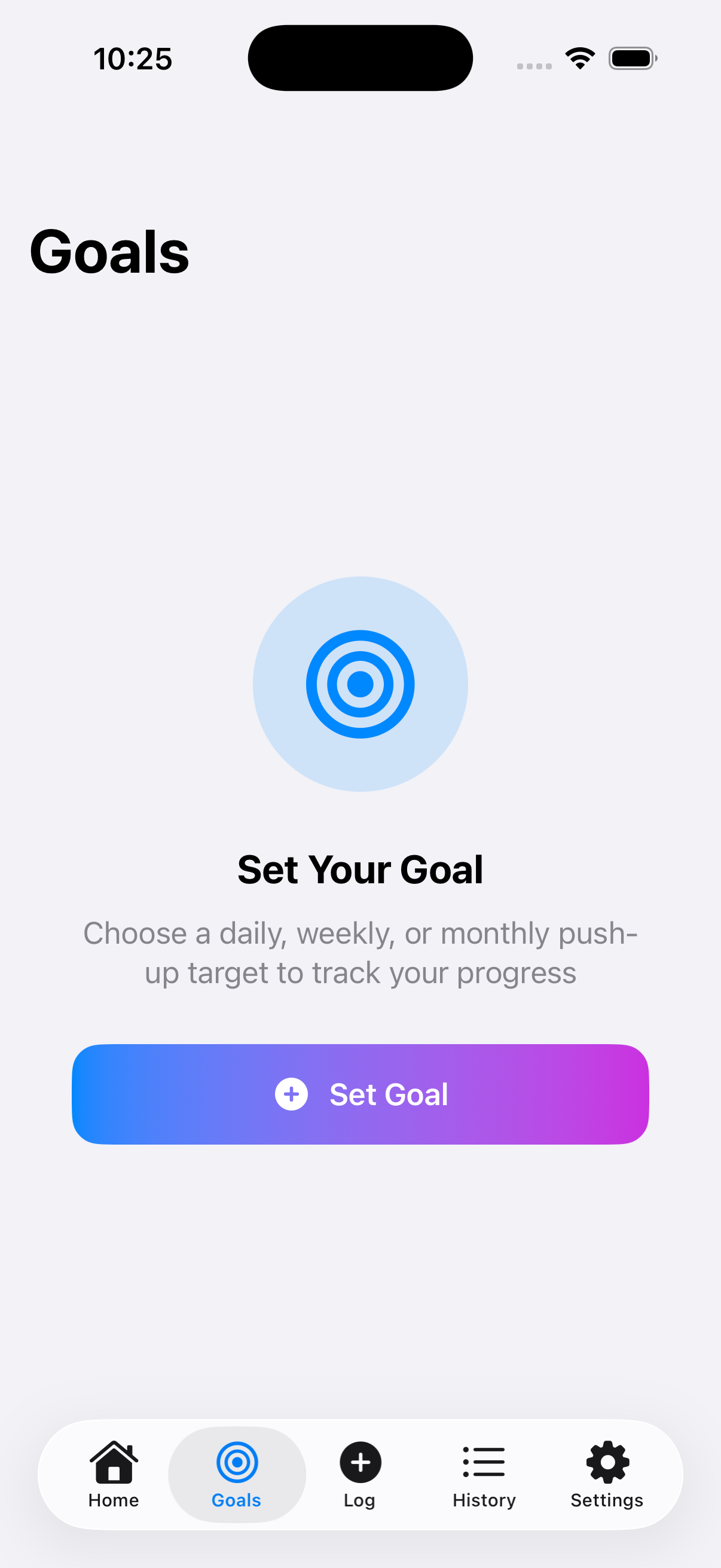
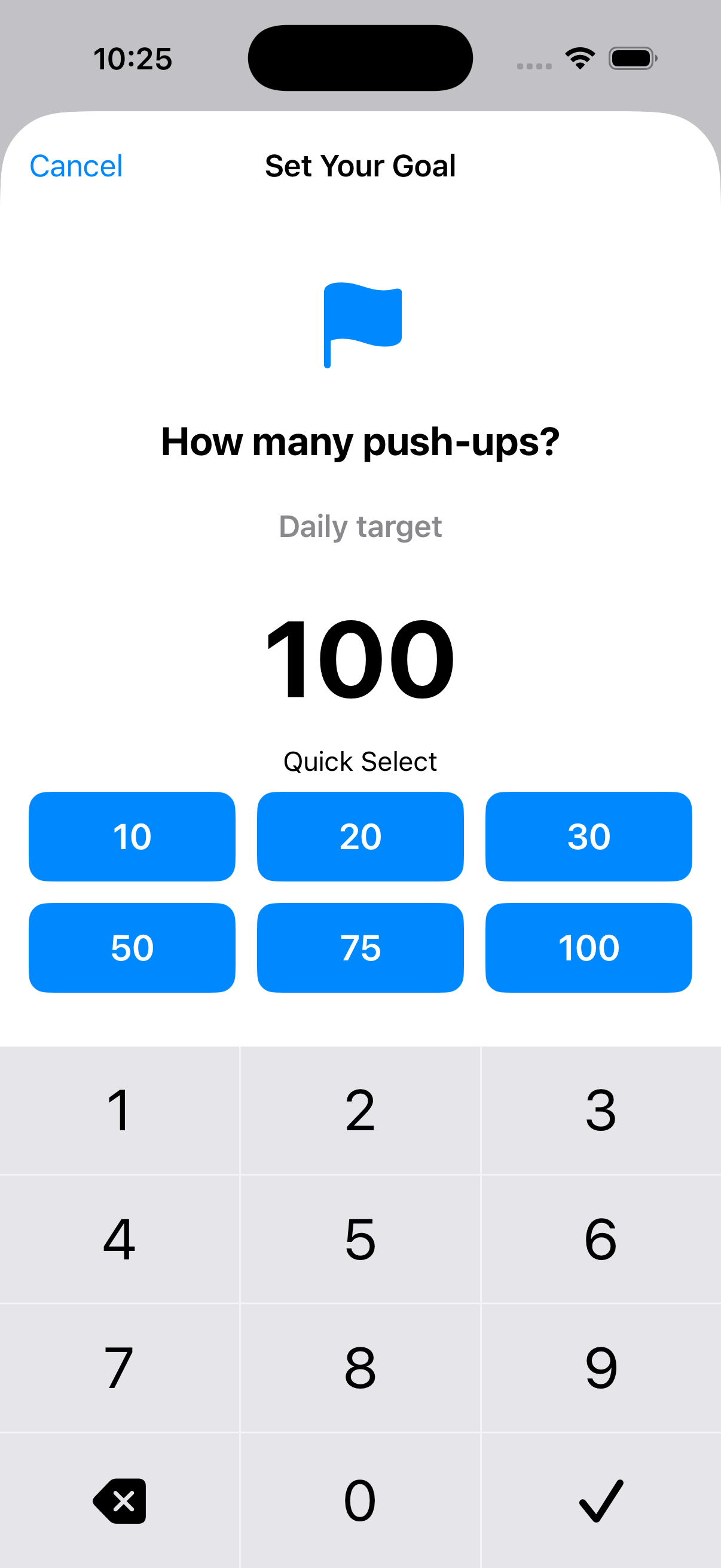
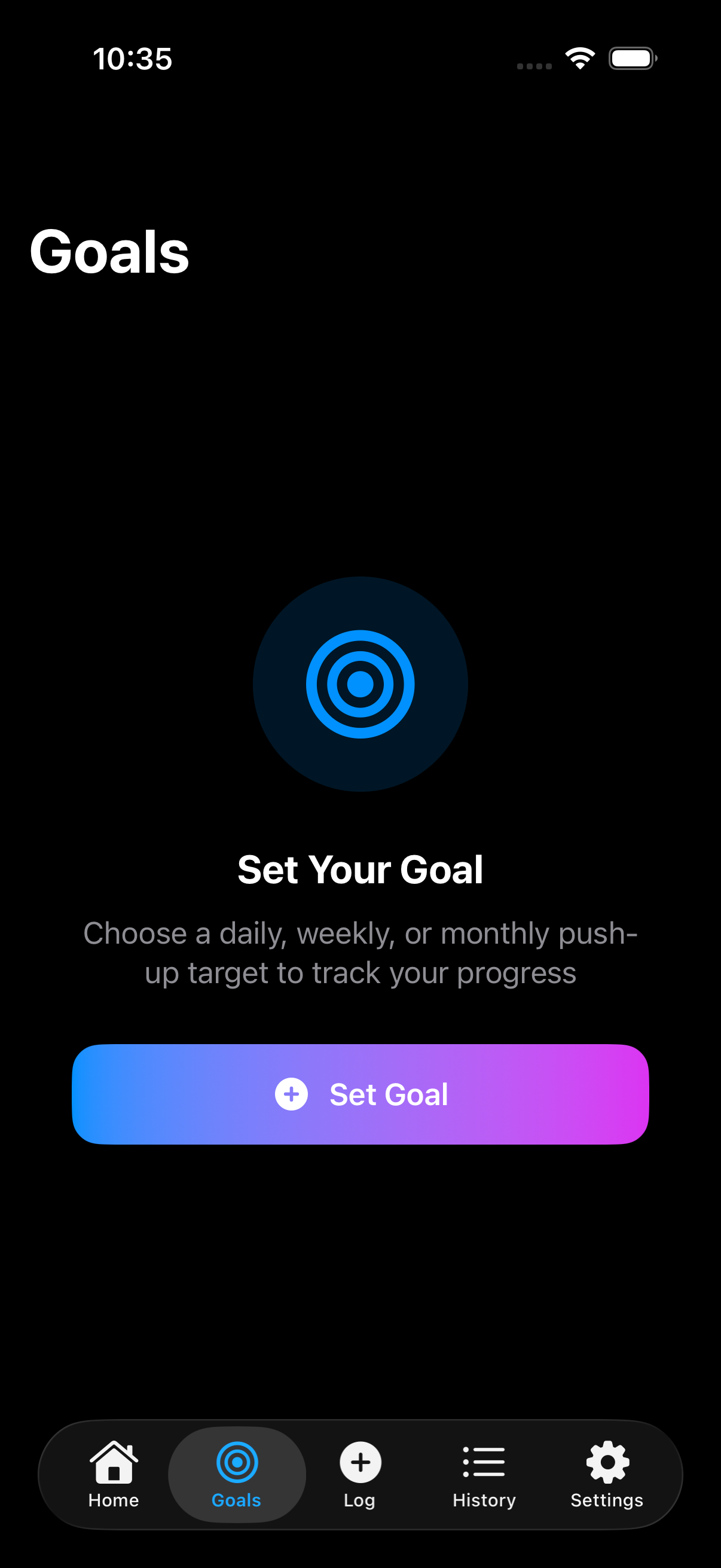
Choose a daily, weekly, or monthly push-up target, then set the rep goal that fits where you are today.

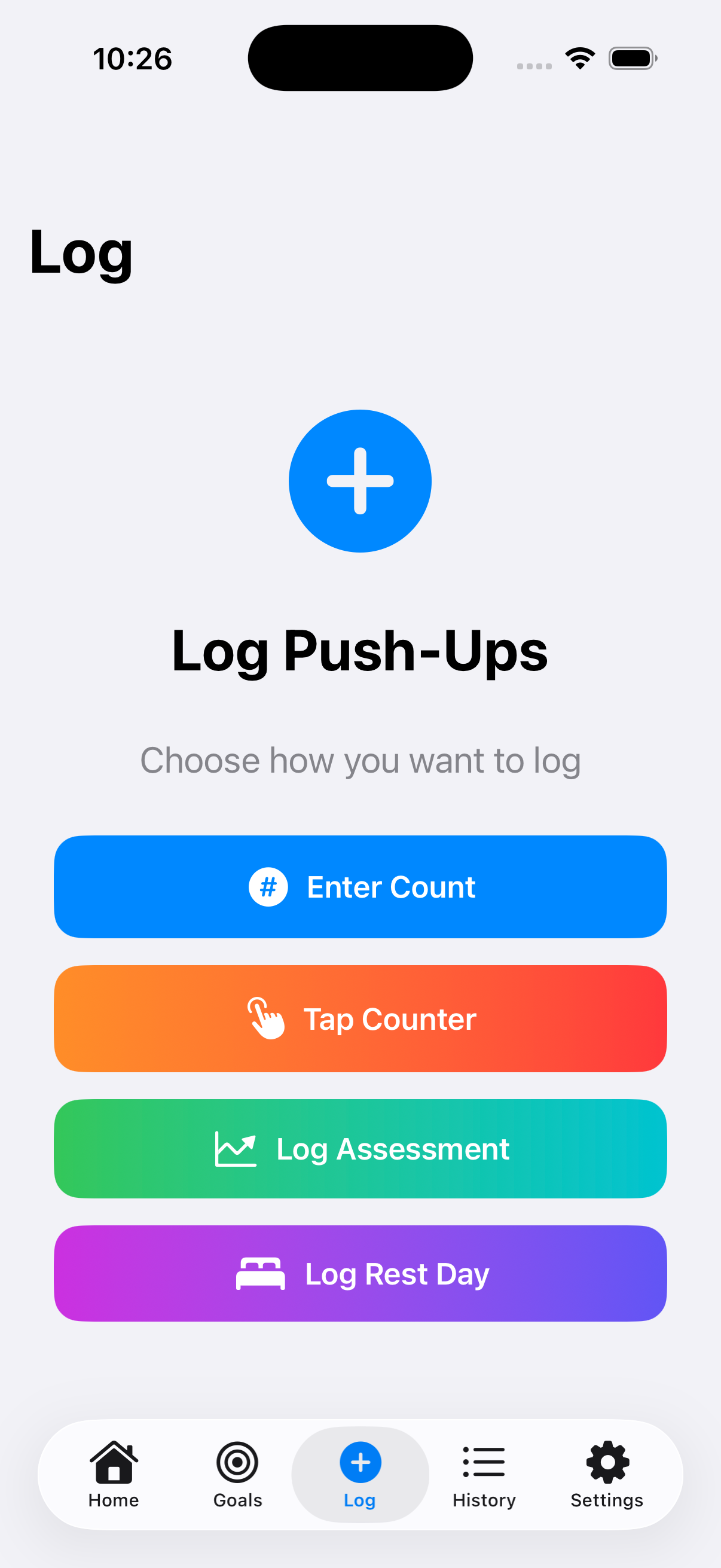
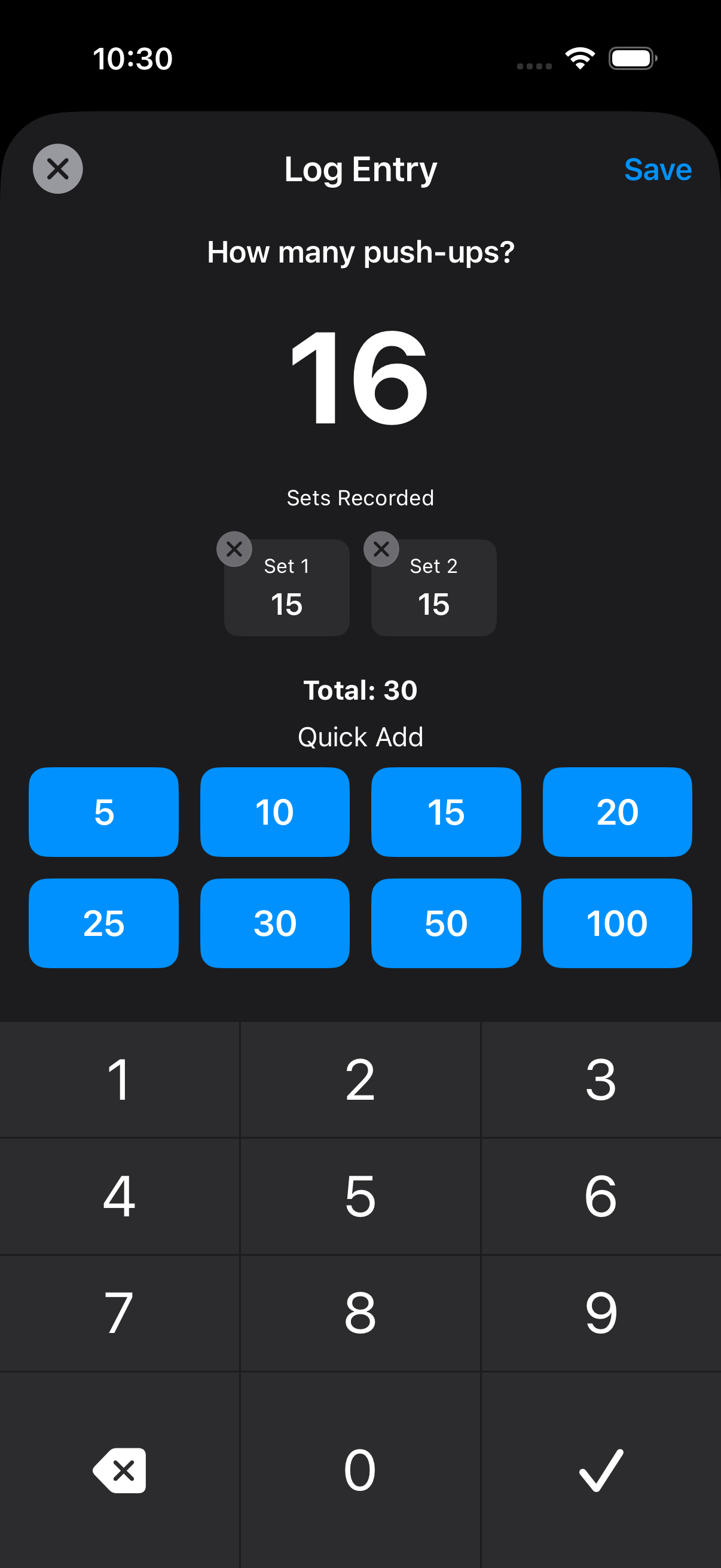
Use count entry, tap counter, assessment logging, or a rest day so your push-up history stays accurate.

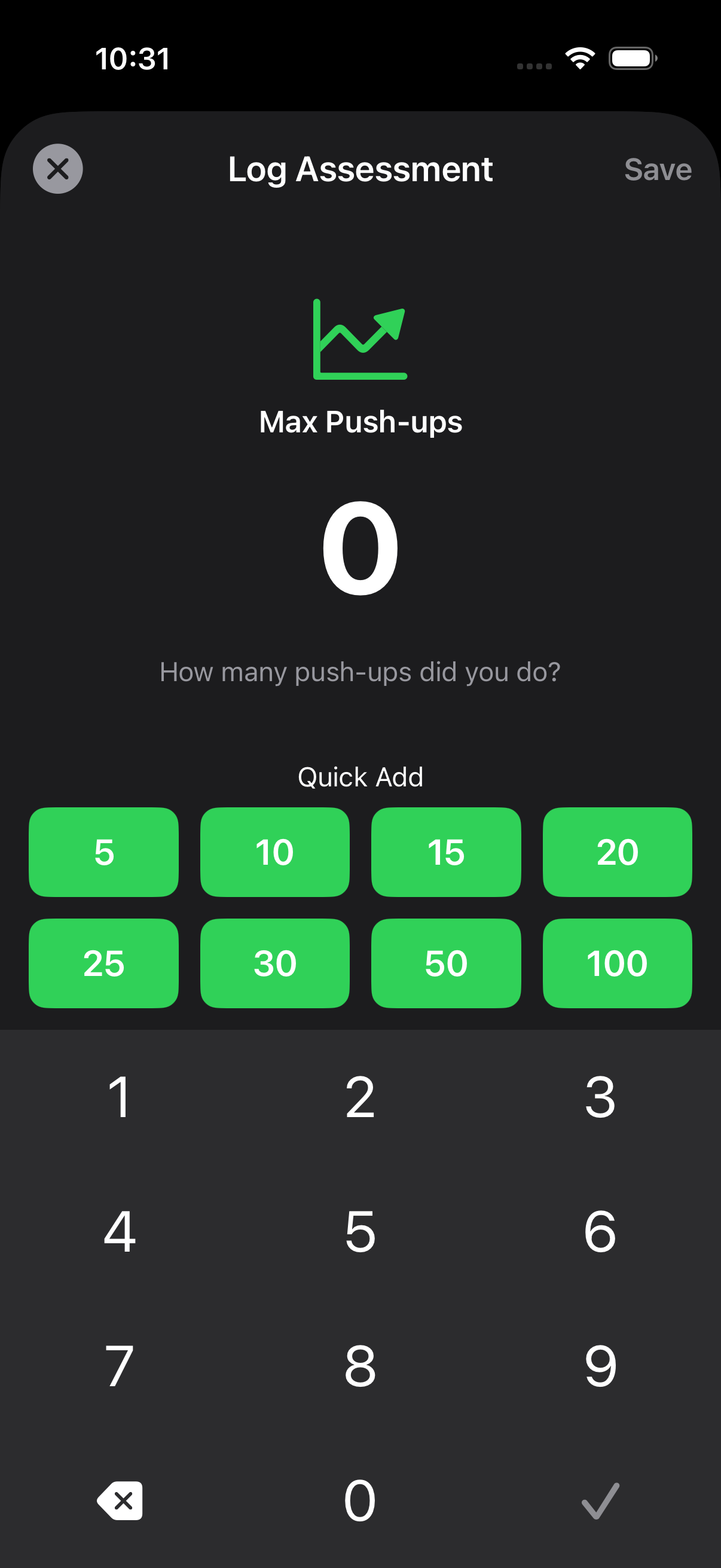
Assessment mode gives you a focused way to record your max push-ups so progress is not just a feeling.

Review total reps, max workout, workout count, average sets, average reps, and progress over time.

The app is designed around one repeatable loop that keeps you from overthinking your workout.
Set your daily, weekly, or monthly target before you start building momentum.
Record single sets or multiple sets quickly with large buttons and simple controls.
See assessments, totals, averages, and charts as your habit compounds.
The less friction there is, the more likely you are to actually do the reps.
Choose a timeframe and target count. Start small, raise it later, and keep the habit realistic.
Enter counts, add sets, use the tap counter, or log a max assessment when you want a benchmark.
Use streaks, weekly progress, and stats to see whether you are staying consistent.
A few ways to use RepsDaily without turning push-ups into a complicated fitness plan.
A realistic daily goal makes streaks possible. Raise the number once the habit is stable.
You do not need one huge workout. Add reps as you go and let the total build.
Check your max periodically so you can see strength progress beyond daily completion.
Recovery is still part of training. Log it so your history reflects what actually happened.
The weekly row makes consistency easy to scan without digging into history.
Average sets and reps help you understand the quality of your workouts over time.
RepsDaily is designed as a simple personal tracker for your own progress.
Keep your push-up logs focused on your own training and progress.
Set clear push-up targets and use the app to follow through consistently.
Review streaks, assessments, totals, averages, and charts over time.