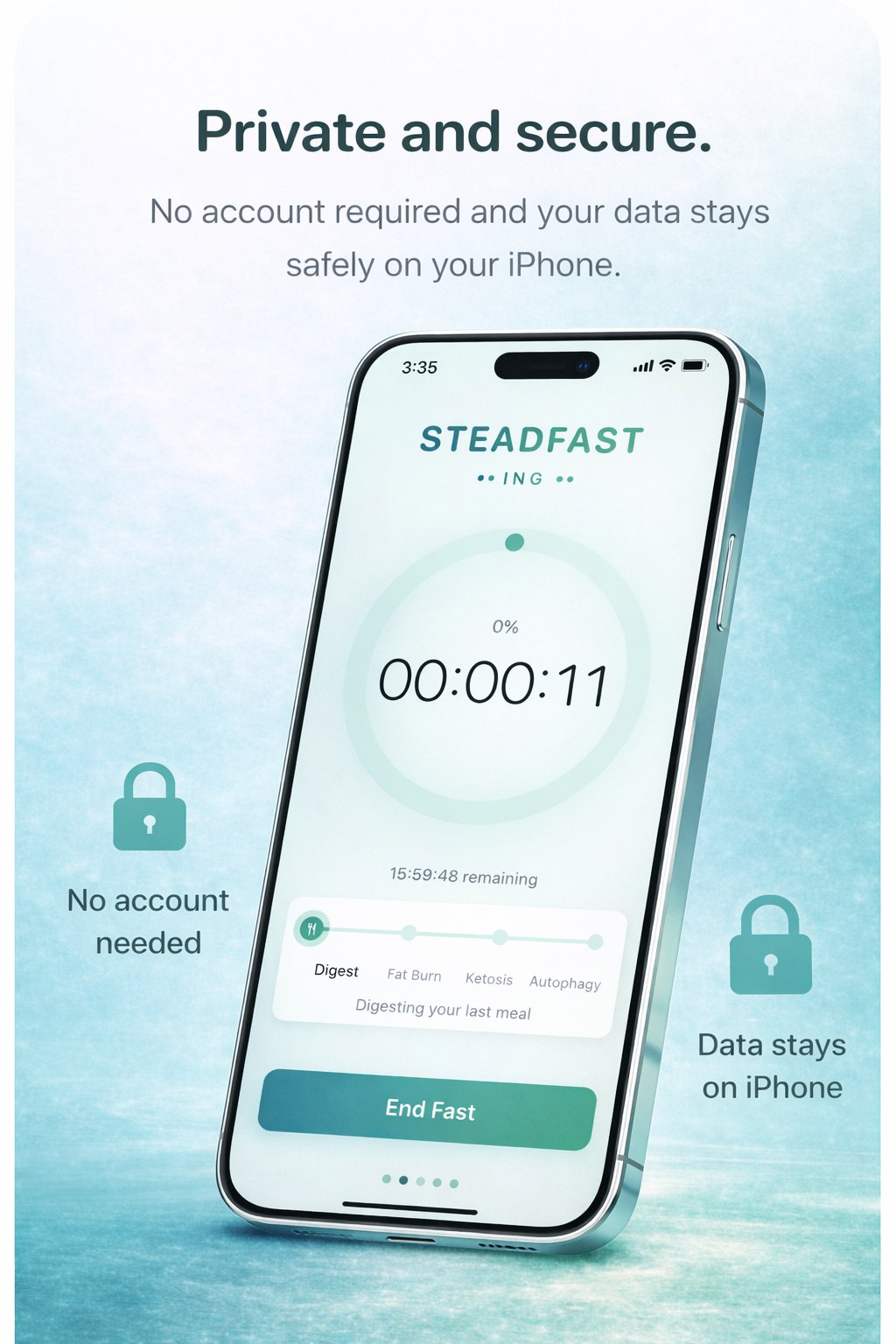
Intermittent fasting shouldn't require an account, a subscription, or a tutorial. Start a fast in seconds, glance at your Lock Screen whenever you want, and move on with your day.
No meal plans you'll ignore. No coaches you didn't ask for. No social feed. Just a clean, reliable fasting tracker.
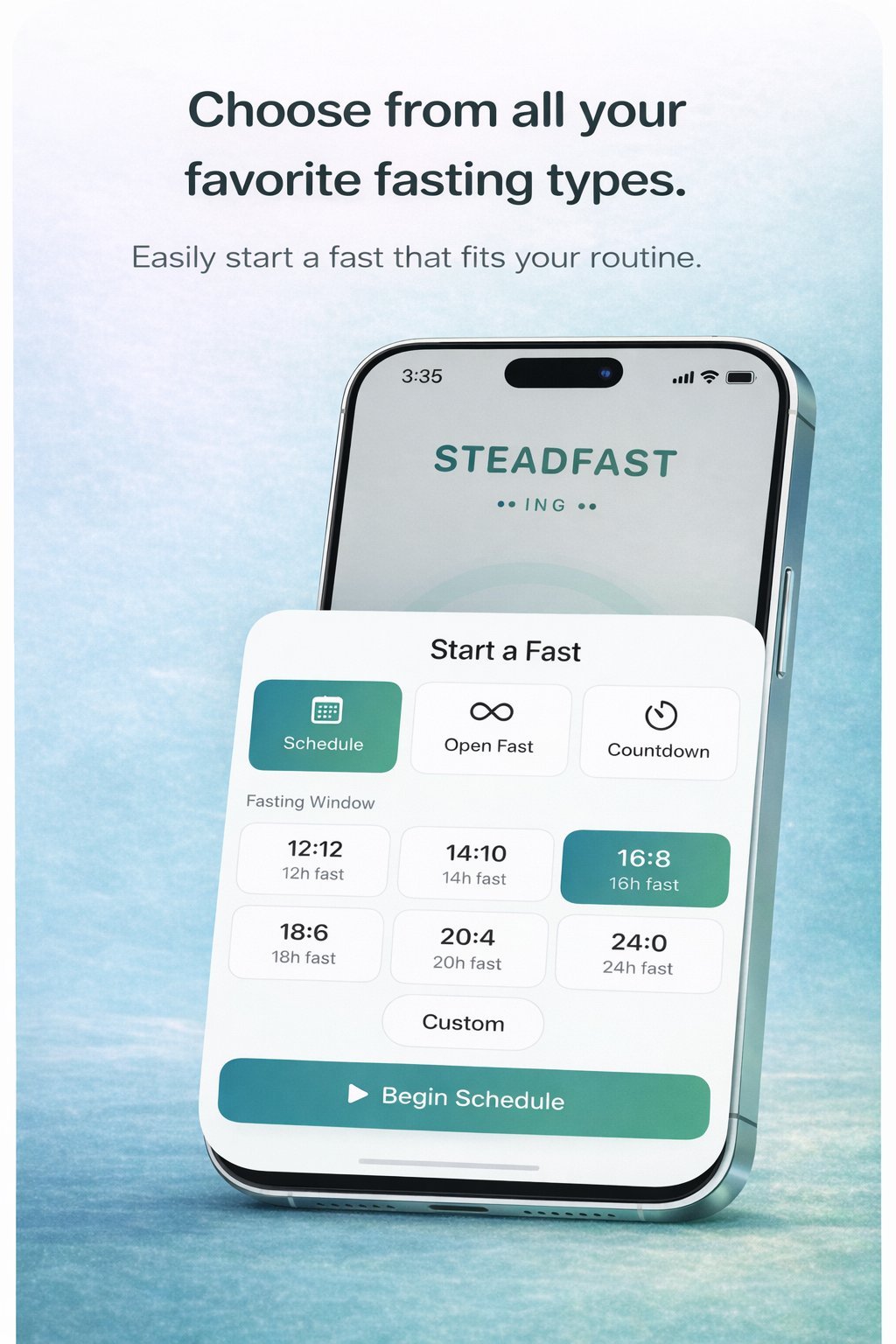
Most fasting apps pick a side: rigid presets or free-form stopwatch. Steadfasting gives you both, plus a countdown mode for people who schedule around meals instead of after them.
The feature every fasting app puts behind a paywall — real-time progress on your Lock Screen and Dynamic Island — is free in Steadfasting.
Start a fast, put your phone down, and check your progress without unlocking. No widget configuration, no Premium upgrade required.
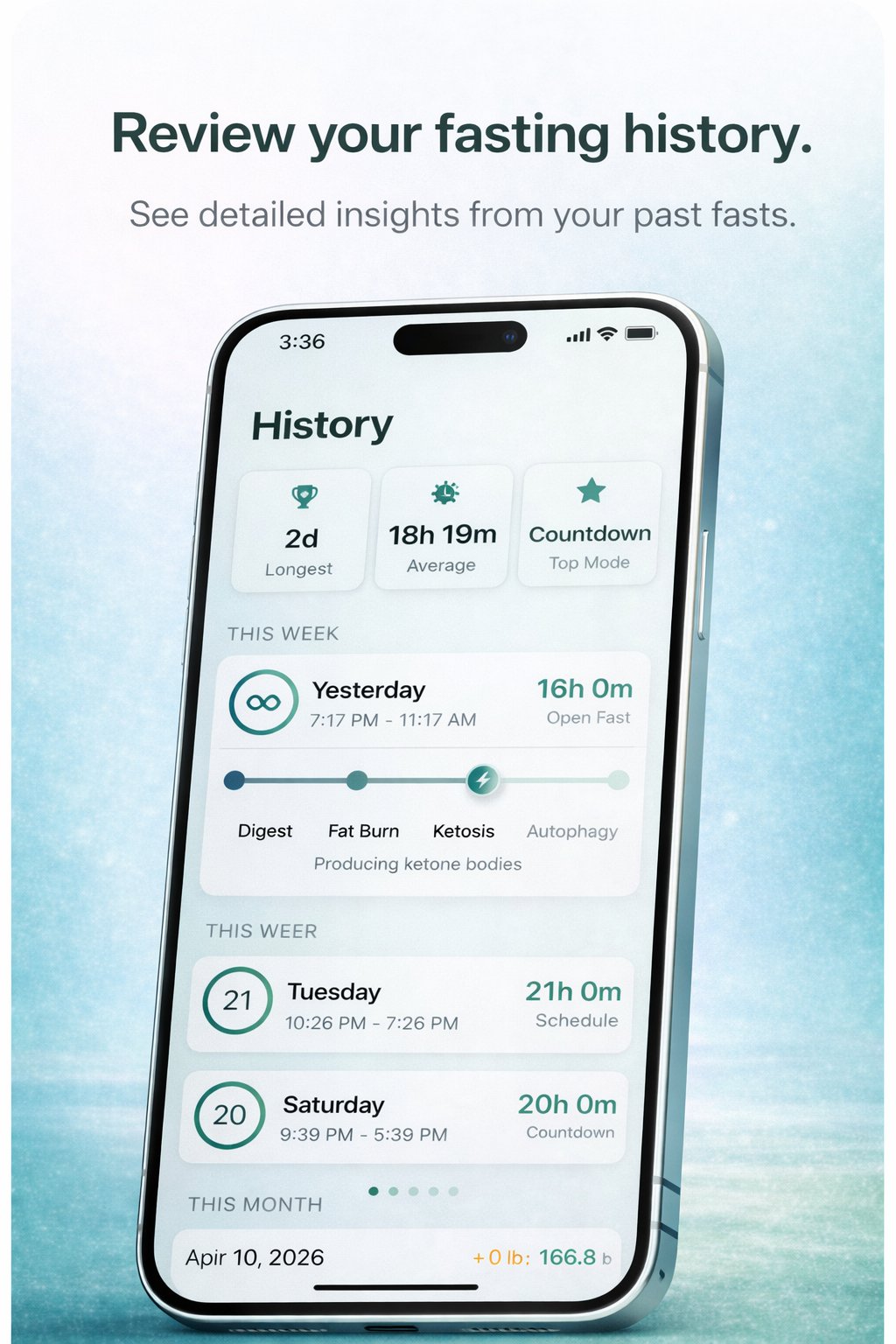
No manual entry. No cluttered charts. Just a clean record of what you've actually done — longest fast, average duration, your most-used mode.
Grouped by week and month so you can spot patterns without hunting for them.
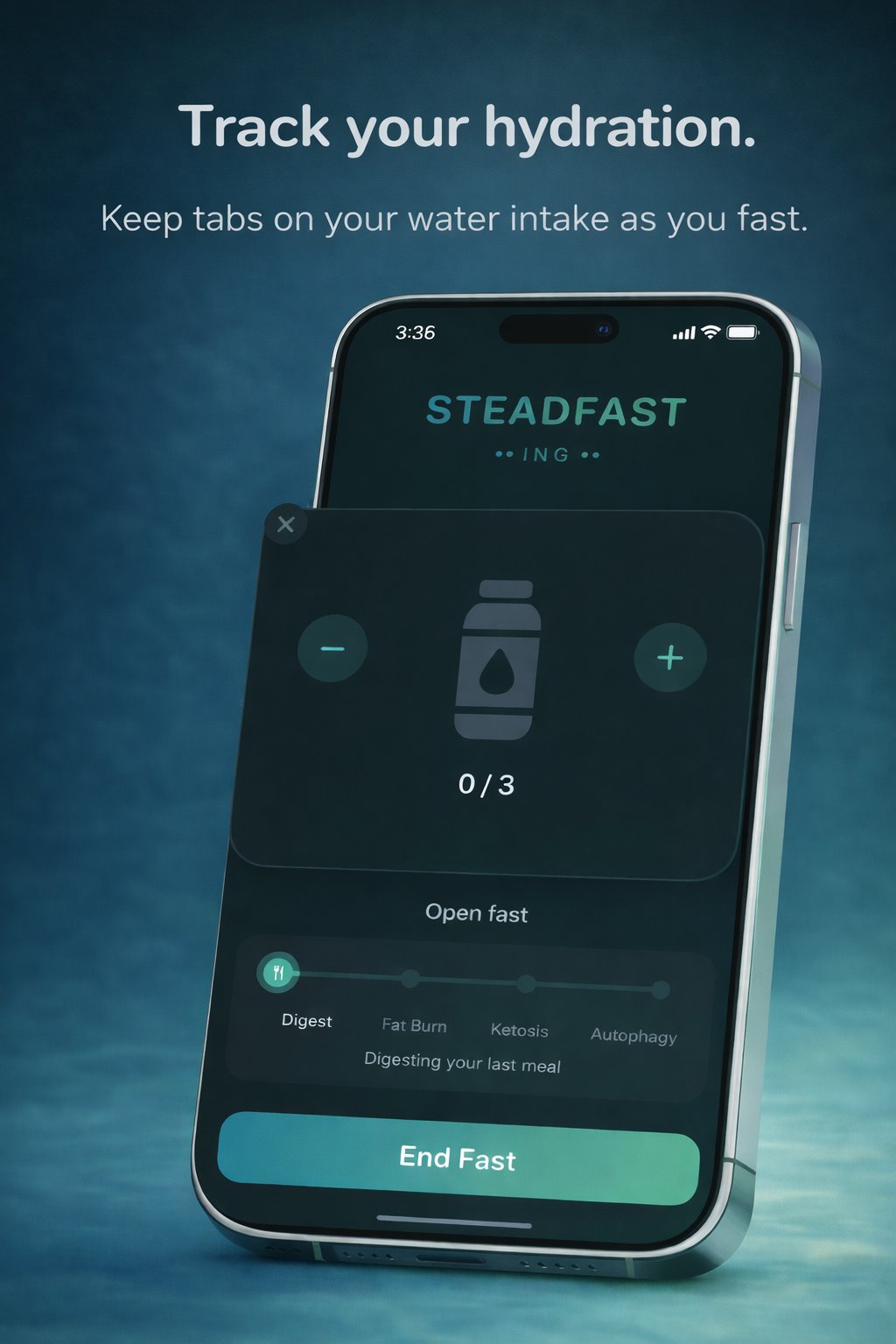
Water intake matters most during a fast, and Steadfasting puts it right next to your timer. No separate hydration app. No notifications guilt-tripping you every two hours.
Set a daily target, tap to log a drink, done.
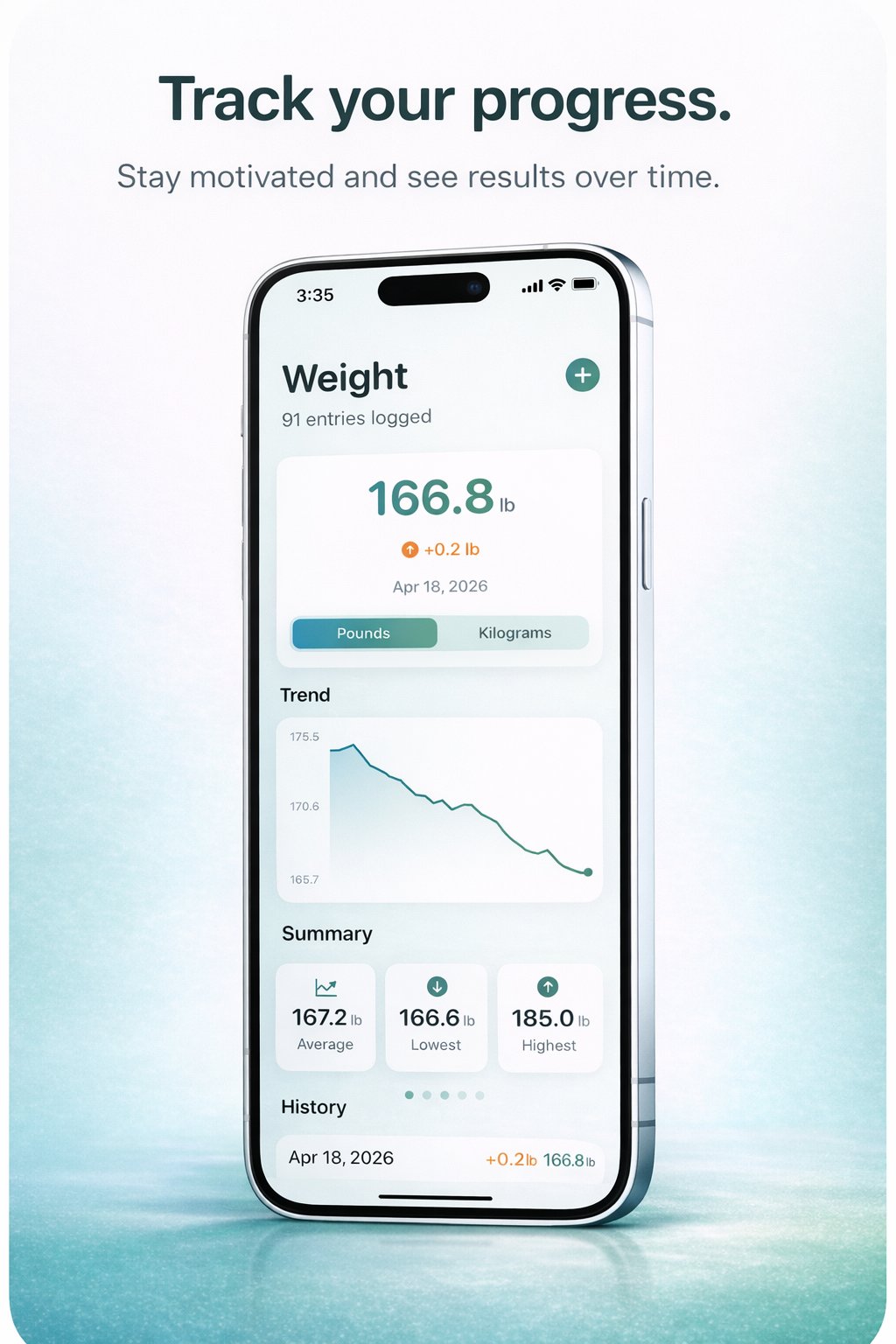
Log your weight alongside your fasts and watch the trend line tell the story. Pounds or kilograms. Summary stats for average, lowest, and highest weight.
No shame metrics. No BMI lectures. Just the numbers you actually want to see.
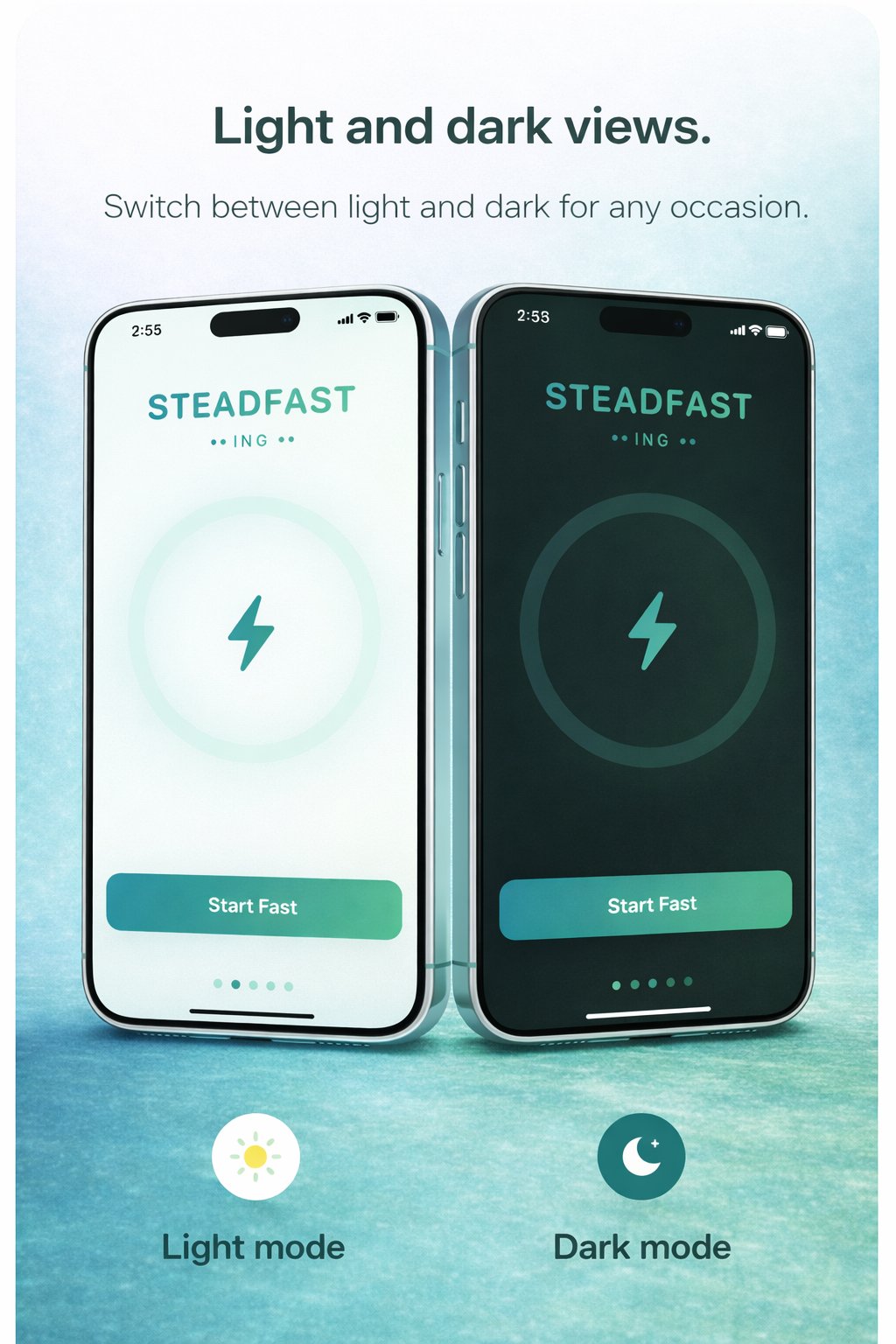
Steadfasting looks great on a bright kitchen counter at 7am and equally great on your nightstand at 11pm. Follows your iPhone's system setting automatically.
In a category where $70/year subscriptions are normal, Steadfasting Premium is $3.99. Once. The core app stays free — Premium just adds the extras for people who want more.
Most fasting apps run $50–$80 per year. That's $250–$400 over five years for a timer. Here's what $3.99 lifetime buys you versus what the category expects.
A few things that make the app — and your fasting practice — work better.
If you're new to intermittent fasting, pick 16:8 in Schedule mode so the app tells you when you're done. Once you've got a rhythm, switch to Open Fast — most experienced fasters end up there anyway.
If your eating window ends at 8pm every day, Countdown is the right mode. Set the target and it counts down to your last bite instead of up from your first fast.
Start your fast, then close the app. Your progress stays on the Lock Screen and Dynamic Island. Opening the app constantly to check a timer is the fastest way to make fasting feel harder than it is.
Most "I'm starving" moments during a fast are actually thirst. If you have Premium, log water alongside your fast. If you don't, at least keep a bottle nearby — your first fast will tell you why.
Digest, Fat Burn, Ketosis, and Autophagy give you a rough sense of where you are — individual metabolism varies. They're motivation, not a lab report.
Checking your streak every day creates pressure that makes people quit. Checking monthly shows you the trend — which is the only part that actually matters.